01 / DUAL DELIVERY
SVG + GIFFresh Roasted
PRINT-READY .SVG
LOOPING .GIF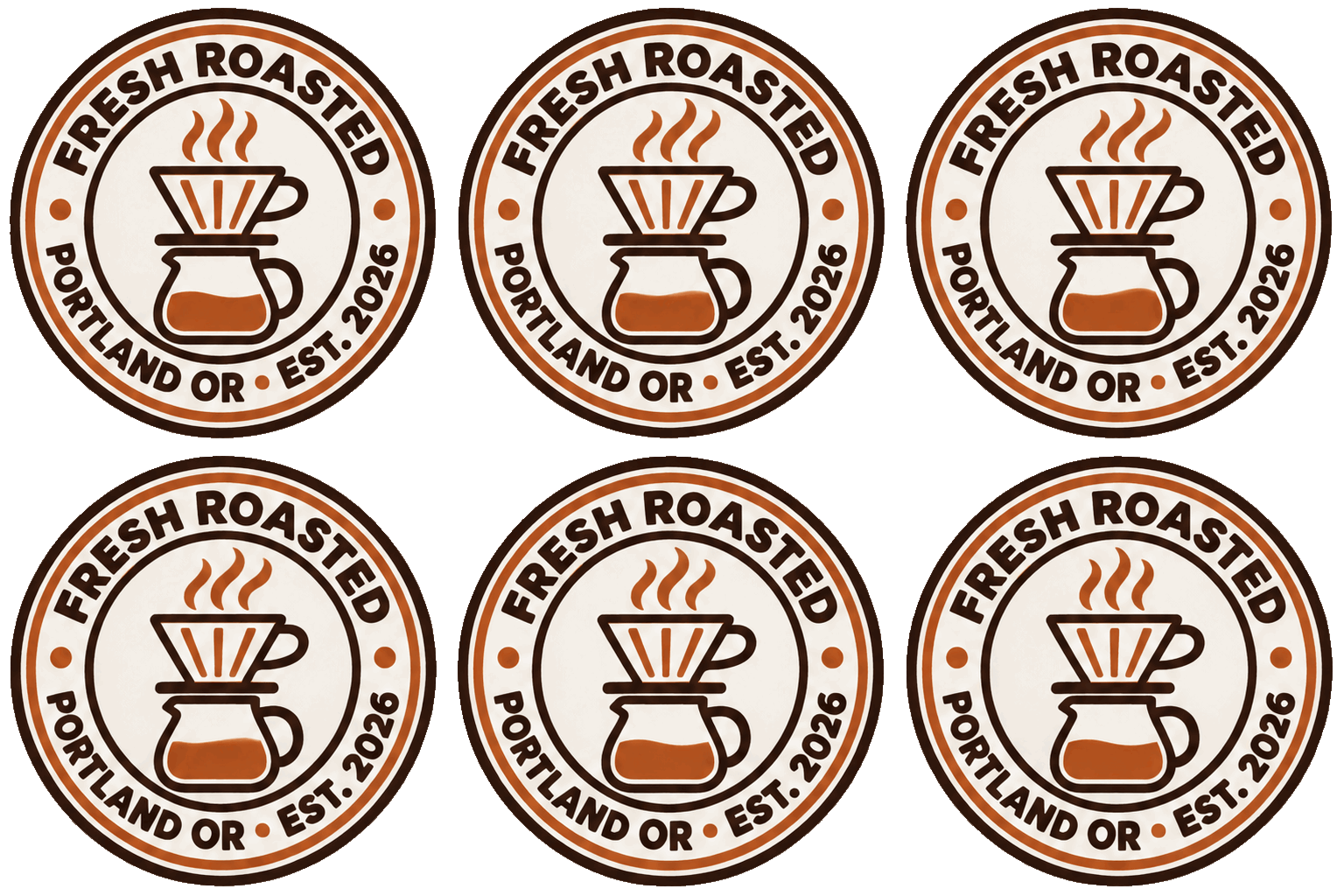 Seamless loop · 512 × 512
Turn an approved SVG badge into a compact looping GIF for your storefront, launch post or email signature. Compare the real static and animated samples side by side.
Press the packaging. Move the storefront. Recolor each real SVG proof and compare it with its actual seamless loop.
Seamless loop · 512 × 512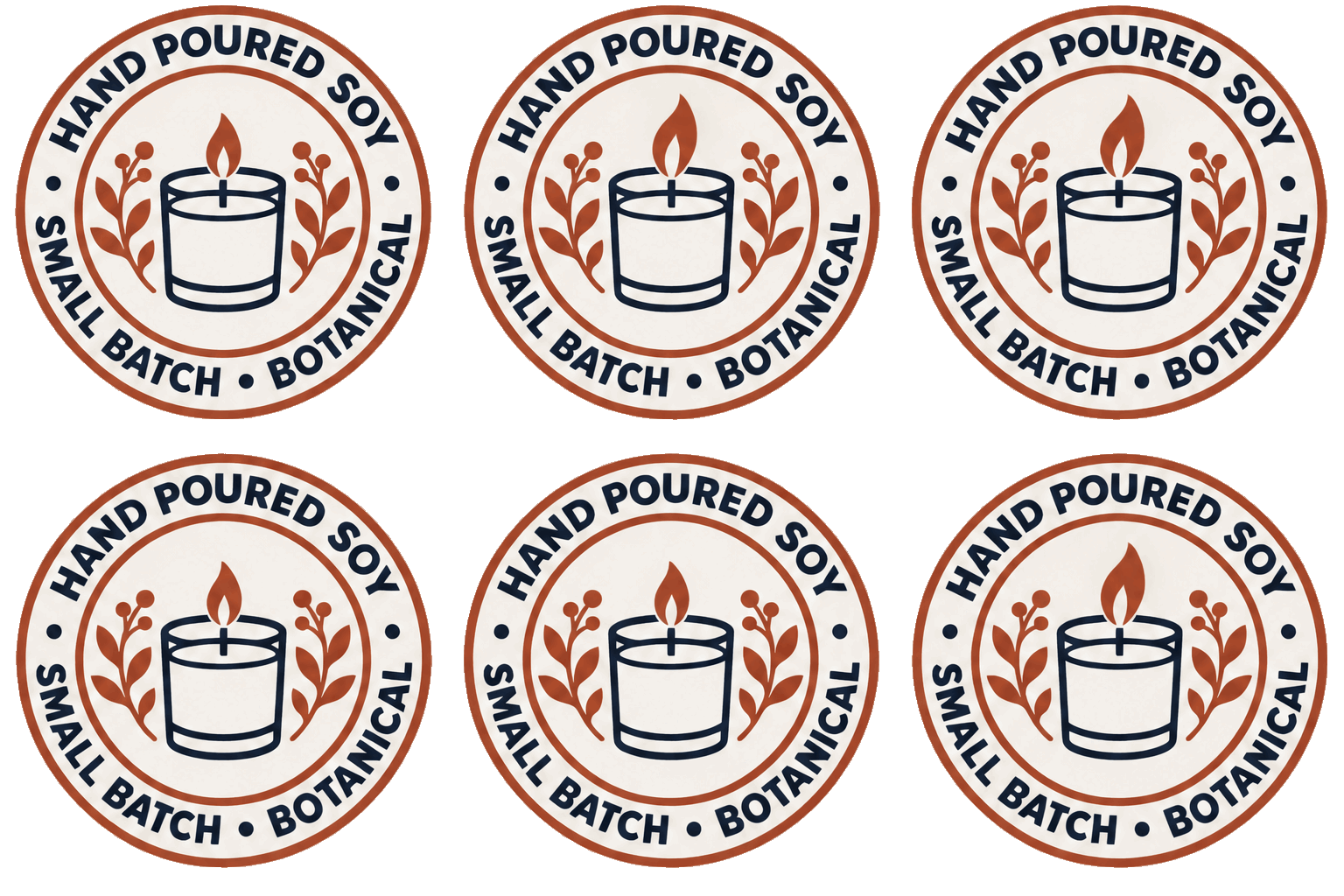 Seamless loop · 512 × 512
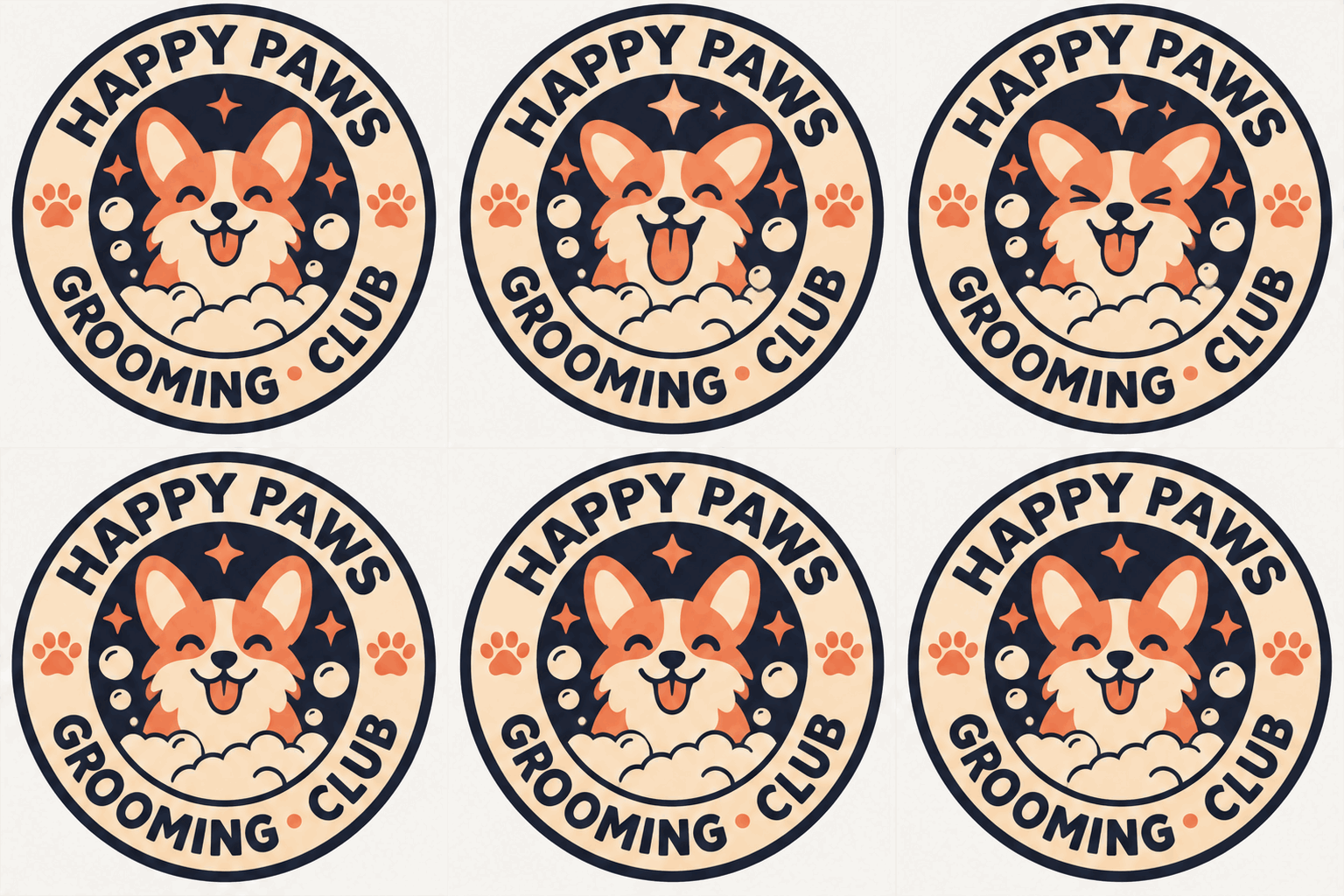 Seamless loop · 512 × 512
<path>No raster impostors. Load any proof into the stage, change its inks and expose its cutting geometry.
Pour-over coffee stamp
Oven-baked Brooklyn stamp
Small-batch botanical candle stamp
Outdoor gear mountain emblem
Small-batch hot sauce crest
Neighborhood grooming club emblem
One-piece monstera cut file
Connected camper vinyl decal
Four café counter icons · no lettering
Four skincare trust icons · no lettering
Start with the mark you already approved, then add just enough life to earn a second look.
| Press step | The old workaround | The SVGBadge way |
|---|---|---|
| Source artwork | Uploading a compressed social graphic | Begin with your generated, recolored vector badge |
| Motion design | Learning a timeline for one small accent | Request a short seamless loop from the inspection stage |
| Final delivery | Managing unrelated print and motion files | Keep the static SVG and looping GIF tied to one design |
Practical answers for print, cutting, licensing and storefront delivery.
The motion prompt aims to keep the outer border and lettering steady while adding subtle movement to the central illustration. Review the generated loop before publishing.
Animating an existing generated badge uses two credits. The static SVG and the animated GIF remain separate deliverables.
Yes. The animation request includes your current recolor map, so the approved palette travels with the source badge.
Yes. Coffee, candle and corgi samples include real looping GIFs. Use Static SVG / Looping GIF on the stage or explore all three pairs below.